
01The whole system
Seamless. Effortless. Digital Systems.
Ordering is made easy with Orderbuddy!
02Front of house
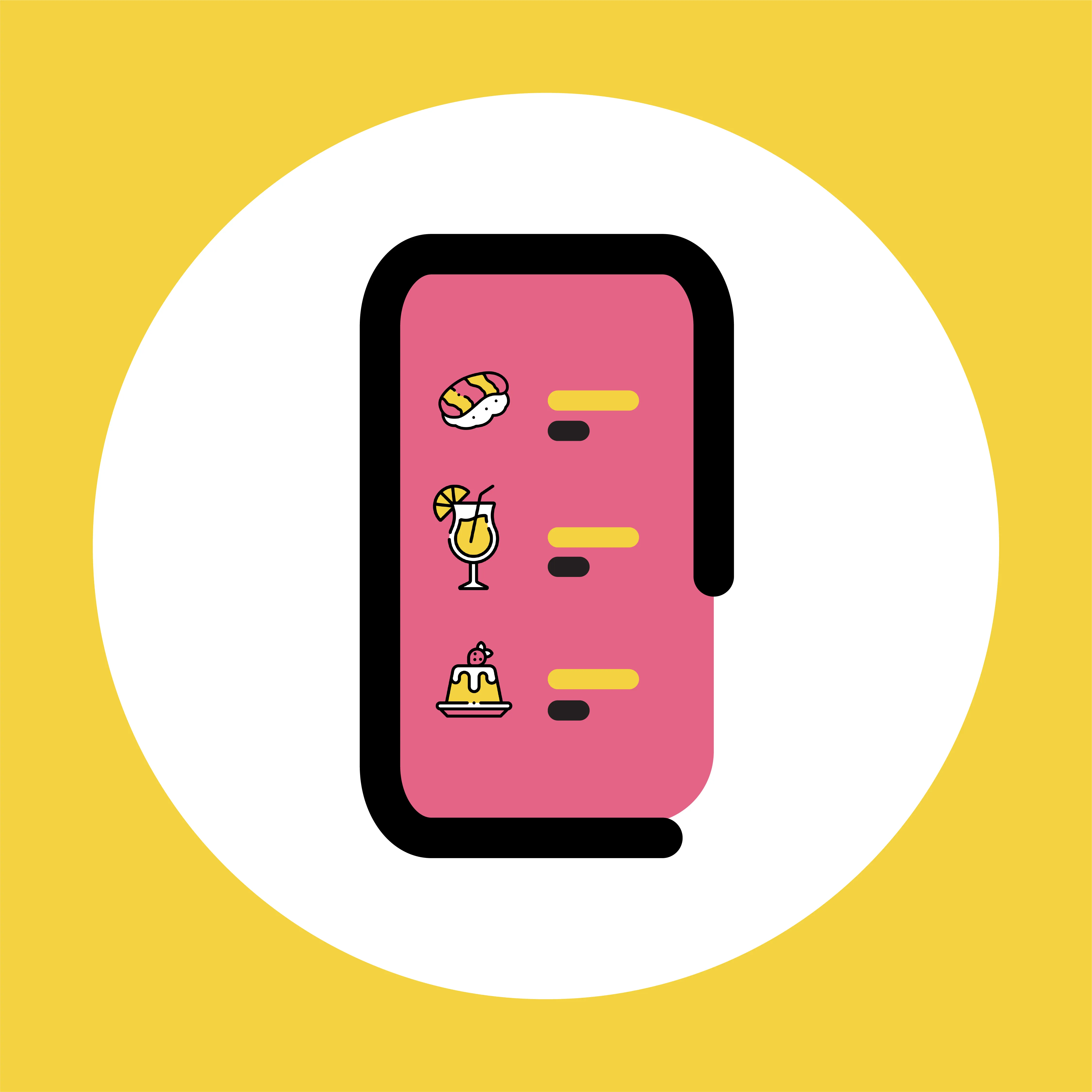
QR Code Ordering
Seamless and Contactless digital QR code ordering is here!
In today's uncertain world, be certain about our digital QR code menu system. Perfectly paired with any smart phone, your online menu will instantly pop up for your customers.
Simple and easy to use with optional images for every menu item, customer spends can increase significantly through browsing all menu offerings, and having the customer take control of selecting their dishes and drinks.
- No app download
- Auto table number
- Service bell
- Customisable themes
- No commission or transaction fee
03Counter
POS
Quick and easy-to-use for any business!
With a bold and customisable interface, our POS system features many functions and modes to efficiently get your orders out on time.
With floor plans, dual language modality, live modifications and updates as well as a call notification system for takeaways, our POS captures everything you need for service as well as after service to understand the reports and health of your business in real time.
- Two terminals included
- Customisable floor plan
- Split bill by item or amount
- Dual display
- Online and offline modes
04Back of house
Kitchen Display
One system, fully integrated with your POS, Printers and Online Orders
Our additional KDS offers an extension to your POS and Printing systems. A complimentary and easy to use interface that provides timely information on items that need to be sent out together, items that have been completed and still to complete, as well as the customer's wait time since ordering.
The KDS helps with back-of-house congestion and is a perfect addition to assist your workflow and service areas.
- Categorise by dish
- Categorise by order
- Prioritise by course
- Timers and notifications
- Multi language display
05Owner
Mobilebuddy
Live data and reporting right in your very own pocket.
Offering complete business transparency for venue managers and business owners, anytime, anywhere, right from your mobile phone.
Mobilebuddy brings you 360-degrees of holistic reporting, data analysis and real-time capture of service periods. This means more accountability, more feedback and more innovative opportunities to increase revenue streams by understanding your customer trends at a deeper level.
- Realtime sales data
- Multi-venue / franchise mode
- Order and payment type reports
- Transaction history
- Stocktake

06Front desk
Booking
Reservations that fill tables without tying up the phone.
The booking system covers online reservations, a mobile staff app and a management portal, facilitating automated table assignments and real-time availability tracking. Guests can also reserve directly from your Google Business Profile, without visiting your site or picking up the phone.
Features enable efficient table management, session settings, and customizable floor maps. The platform sends SMS/email confirmations, allows tagging and comments, and offers a waiting list feature.
On the ticket
- 01Booking app
- 02Booking portal
- 03Google reservations
- 04Auto table assignment
- 05Waiting list
5 itemsWeb, iOS & Android
07Repeat custom
Loyalty
Loyalty is a layer, not another silo.
Because it runs on the same system as the POS and the booking service, a spend rung up at the counter and a table booked online both count towards the same customer. There is no separate loyalty terminal to reconcile and no second customer list to keep in step.
The loyalty program is accessible via web or mobile and offers customisable promotions: buy X get Y free, vouchers, and points accumulation.
On the ticket
- 01Works with POS
- 02Works with Booking
- 03Points and vouchers
- 04Buy X get Y free
- 05Mobile wallet or web
5 itemsWeb, iOS & Android
08Customer app
OrderBuddy App
Order Food. Earn Rewards.
The app lets customers discover nearby restaurants and order for dine-in, takeaway or delivery, with QR code table ordering, table reservations, real-time order tracking and secure payments through Adyen. Vouchers, gift cards and loyalty points sit in a wallet in the app.
For venues it is a channel, not another system to run. Orders placed through the app are sent straight to the kitchen or POS terminal, and promotions are configured from the same place as the rest of your offers.
- Free on the App Store
- iPhone, iPad and Mac
- Order and book in-app
- Vouchers and points wallet
- Orders land in your POS
07One system
Five products. One menu, one database, one team.
Publish a menu once and it is live on the QR code, the POS and the kitchen display at the same time. Every sale — table, counter or takeaway — lands in the same reporting, so Mobilebuddy and the booking portal are reading the same numbers your floor is.
Nothing to integrate, no middleware, no second vendor to chase when something goes wrong on a Saturday night.
00Get started
Book a free demo at your venue
Tell us about your business and we'll show you the whole system running — QR ordering, POS, kitchen display and reporting — on your floor, with your menu.